

See also: Behavioral Metrics concept and configuration for what this API powers, when to call it, and how it is configured.
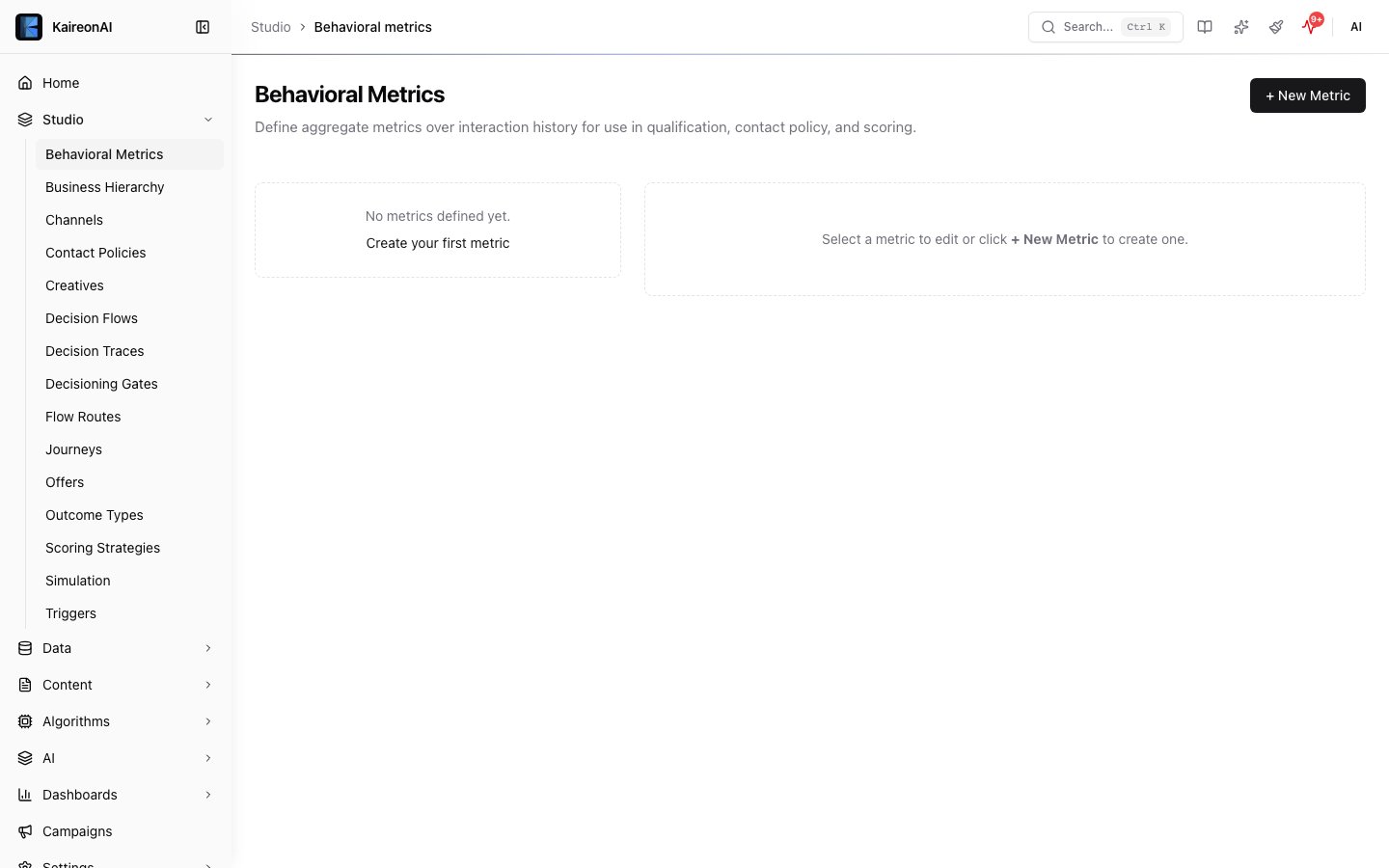
The Behavioral Metrics page.
GET /api/v1/behavioral-metrics
List all metric definitions with value counts. Supports cursor-based pagination.Response
POST /api/v1/behavioral-metrics
Create a new metric definition. Maximum 20 metrics per tenant.Request Body
Realtime metrics only support
count or sum aggregate functions — any other combination returns 400.Example
201 Created
PUT /api/v1/behavioral-metrics
Update a metric definition.Request Body
Response:
200 OK
DELETE /api/v1/behavioral-metrics
Delete a metric definition. Fails if the metric is referenced by active contact policies or decisioning gates.
Response:
204 No Content
GET /api/v1/behavioral-metrics/
Get a metric definition with value count and last computed timestamp.Response
POST /api/v1/behavioral-metrics//compute
Trigger computation of metric values for all customers.Response
GET /api/v1/behavioral-metrics//values
List computed metric values. Optionally filter by customer.Query Parameters
Response
Returns top 20 values sorted by value descending.Roles
See also: Behavioral Metrics