

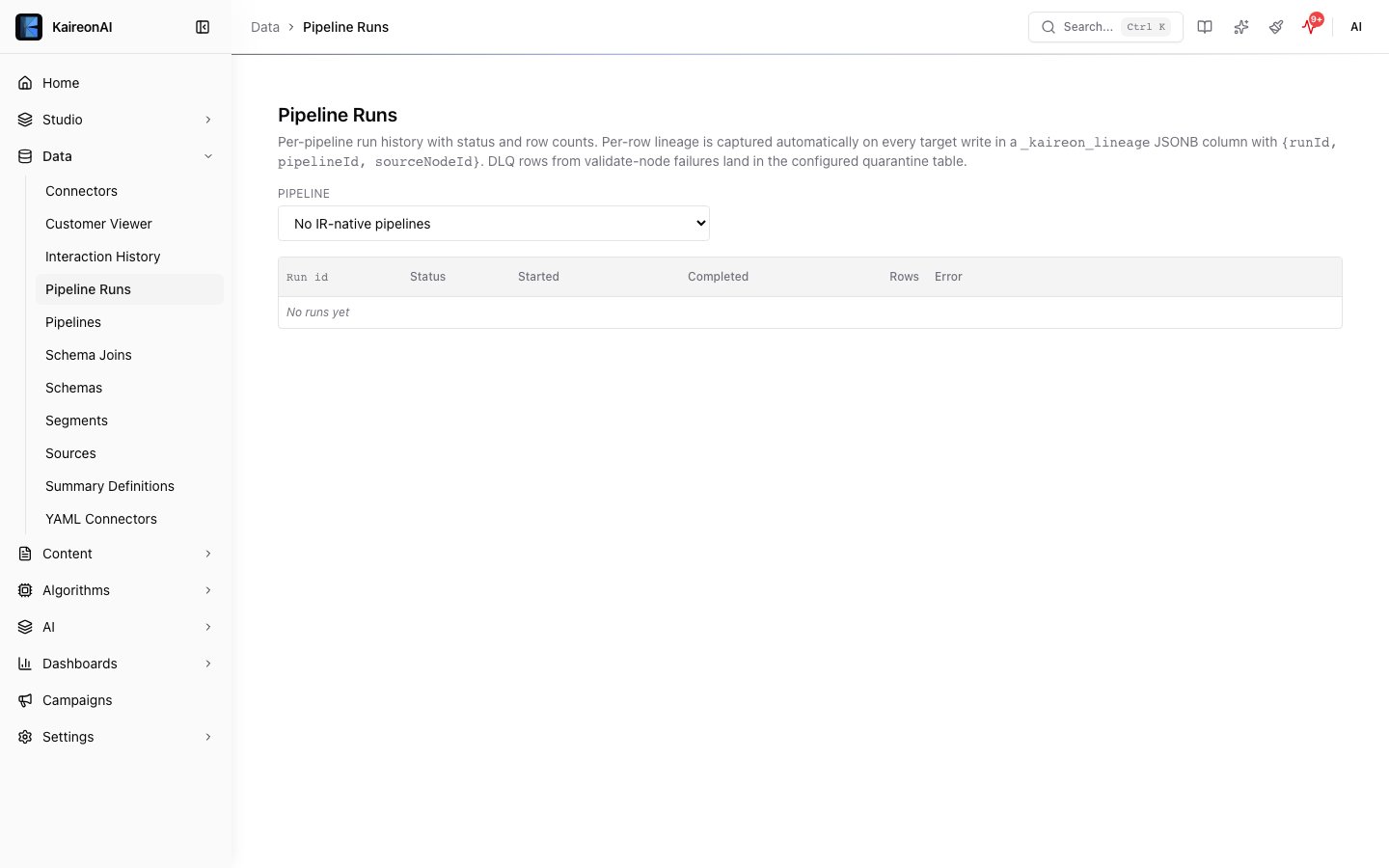
The Flow Runs page in the Data module.
GET /api/v1/pipelines//runs//progress
Returns detailed progress information for a pipeline run including row counts, partition details, ETA, validation errors (first 20), and log entries.Path Parameters
Response
Response Fields
Roles
admin, editor, viewerGET /api/v1/pipelines//runs//errors
Returns all validation errors for a pipeline run. Supports both JSON and CSV formats via theAccept header.
Path Parameters
Headers
Response (JSON)
Response (CSV)
WhenAccept: text/csv is set, returns a downloadable CSV file with headers: Row, Column, Value, Error.
Roles
admin, editor, viewerPOST /api/v1/pipelines//runs//retry
Path Parameters
Response (410)
Roles
admin, editor (the role gate is still enforced before the410 is returned).
GET /api/v1/pipeline-runs//dlq
Return the failed-row (dead-letter queue) sample written by avalidate node for a
specific run. Powers the Errors tab and the “Fix with AI” prompt. Note the path is
/pipeline-runs/{id}/dlq — {id} is the run id, not the pipeline id.
Path Parameters
Query Parameters
Response 200
quarantine.table, or the quarantine table was never
created (no rows ever failed), the endpoint still returns 200 with count: 0,
rows: [], and a residual message explaining why.
Error Codes
Roles
admin, editor, viewerRole Summary
See also: Pipelines | Data Platform