

See also: Offers concept and configuration for what this API powers, when to call it, and how it is configured.
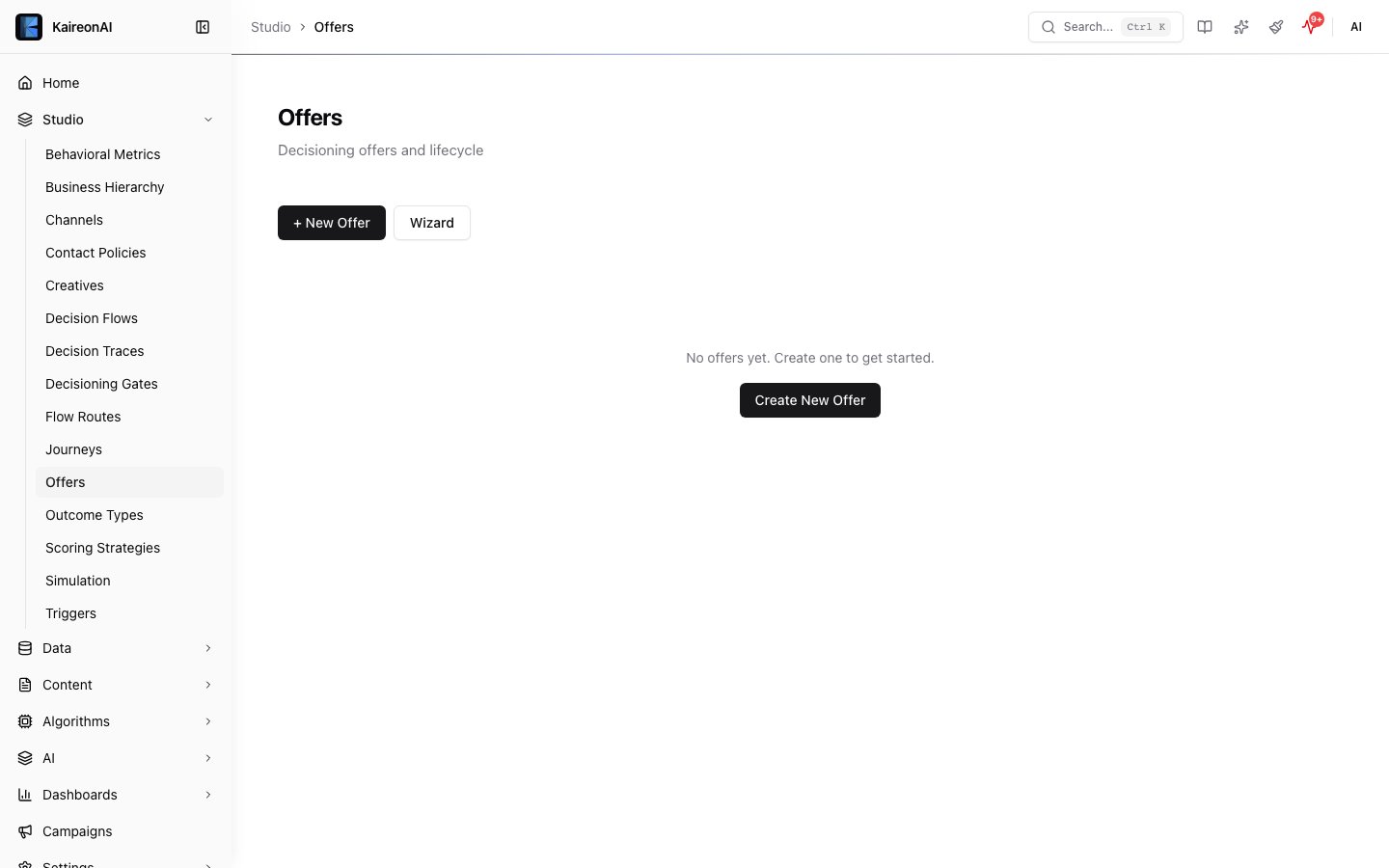
The Actions page where offers are managed.
deletedAt timestamp is set instead of permanent removal), version tracking (the version field auto-increments on every update), and audit logging (before/after snapshots are recorded for every CRUD operation).
See the Offers feature page for UI guidance and conceptual overview.
Base path
List offers
Query parameters
Response 200
Error codes
Create an offer
Request body
Example request
Response 201
Returns the created offer object with all relations, version: 1, and deletedAt: null. An audit log entry is created with a create action.
Error codes
Update an offer
version field is auto-incremented and a before/after audit snapshot is recorded.
Request body
All fields from the create schema are accepted as optional, plus:Updates enforce the same guards as creates. Turning an offer
mandatory via PUT runs the identical governance validation as POST — mandatoryReason, mandatoryExpiresAt (must parse and be strictly in the future), and mandatoryApprovedBy (must be a real admin in the same tenant). You cannot slip a mandatory-override through the update path. Likewise, categoryId / subCategoryId are validated to belong to your tenant — an unknown or cross-tenant id is rejected with 400, not silently linked.Example request
Response 200
Returns the updated offer object with the incremented version.
Error codes
Delete an offer (soft-delete)
deletedAt timestamp. Cascade behavior: all associated creatives are also soft-deleted. The version is incremented on the offer and each cascaded creative. An audit log entry is recorded for every affected entity.
Query parameters
Response 200
cascaded field indicates how many child creatives were also soft-deleted.
Error codes
To restore a soft-deleted offer, use
POST /api/v1/restore?entityType=offer&id={offerId} (admin only). Restoring an offer does not automatically restore cascaded creatives — you must restore them individually.Single-offer path endpoints
In addition to the collection routes above, each offer is addressable directly by id (or name) at/api/v1/offers/{id}. These path endpoints behave differently from the collection routes in a few important ways, noted below.
There is no
POST or PATCH on this path. The {id} segment accepts either the offer UUID or its name.GET /api/v1/offers/{id}
Returns the bare offer object. Unlike the list endpoint, the response does not include the creatives, categoryRef, or subCategoryRef relations. Returns 404 if no matching, non-deleted offer exists in your tenant. Minimum role viewer.
PUT /api/v1/offers/{id}
Updates a single offer. Only these columns are accepted (any other field in the body is ignored): name, description, shortDesc, priority, status, categoryId, subCategoryId, category, group, productType, businessValue, margin, revenueValue, emergencyExcluded, eligibility, budget, schedule, tags, metadata.
categoryId / subCategoryId are validated to belong to your tenant (400 otherwise). Returns the updated offer object. Minimum role editor.
Unlike the collection routes, this path does not enforce a JSON
Content-Type header, so it returns 400 Invalid JSON (not 415) for a malformed or non-JSON body.DELETE /api/v1/offers/{id}
Soft-deletes a single offer by setting its deletedAt timestamp. Unlike the collection DELETE, this path does not cascade to child creatives and does not increment the version field.
404 if no matching, non-deleted offer exists. Minimum role editor.
Role requirements
Offers
Learn more about creating and managing offers in the platform UI.