

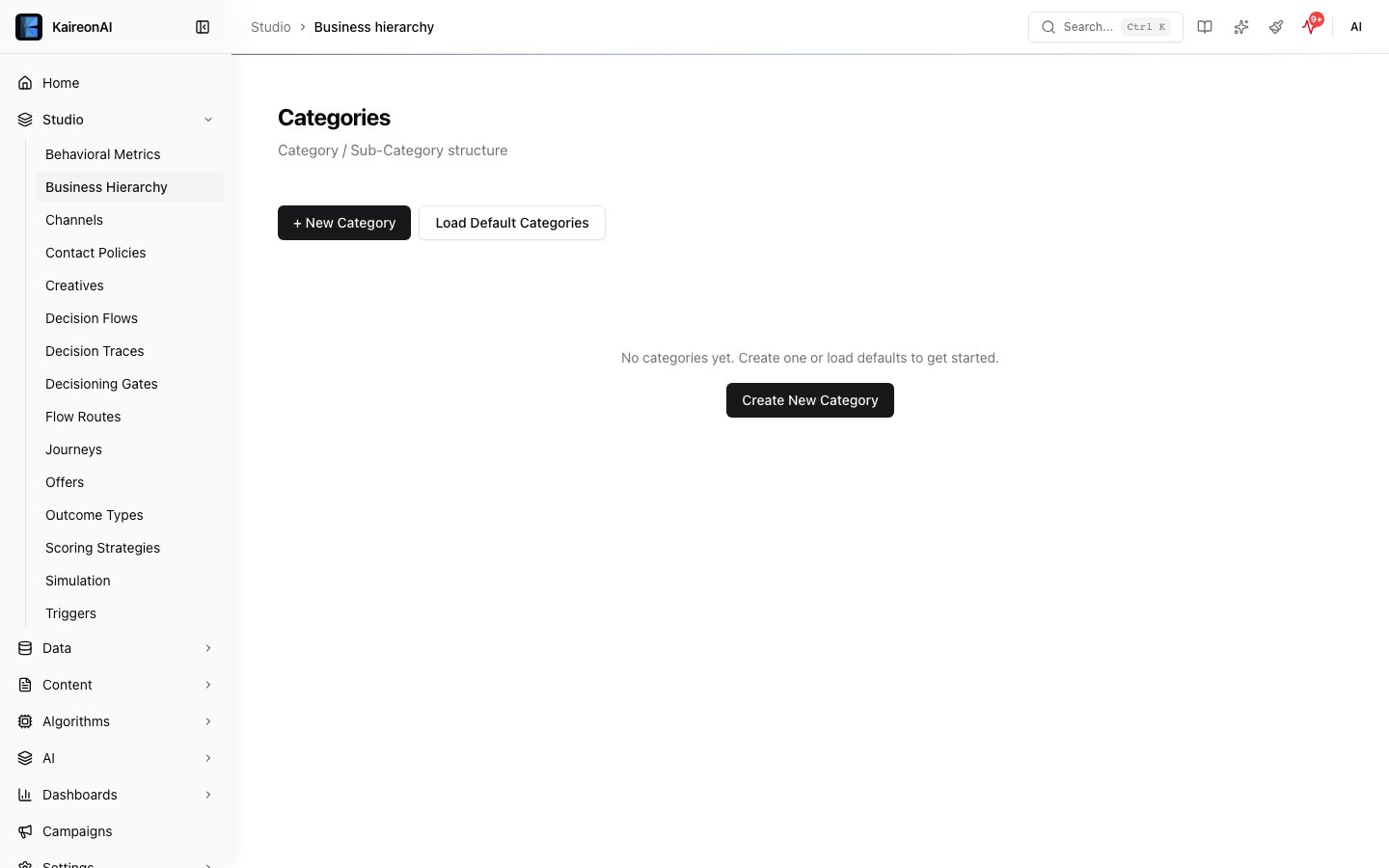
The Business Hierarchy page where categories live.
deletedAt timestamp is set instead of permanent removal), version tracking (the version field auto-increments on every update), and audit logging (before/after snapshots are recorded for every CRUD operation).
See the Business Hierarchy feature page for UI guidance and conceptual overview.
Base path
Categories
List categories
ordinal ascending. Each category includes its sub-categories with offer counts. By default, soft-deleted categories are excluded.
Query parameters
Response 200
Error codes
Create a category
Request body
Custom field object
Example request
Response 201
Returns the created category with version: 1, deletedAt: null, and sub-categories relation. An audit log entry is created with a create action and a snapshot of the new entity.
Error codes
Update a category
version field is auto-incremented and a before/after audit snapshot is recorded.
Request body
All other fields from the create schema are accepted as optional.
Response 200
Returns the updated category object with the incremented version.
Error codes
Delete a category (soft-delete)
deletedAt timestamp. Cascade behavior: all child sub-categories and offers under this category are also soft-deleted. The version is incremented on the category and each cascaded child. An audit log entry is recorded for every affected entity.
Query parameters
Response 200
Error codes
To restore a soft-deleted category, use
POST /api/v1/restore?entityType=category&id={categoryId} (admin only). Restoring a category does not automatically restore cascaded children — you must restore sub-categories and offers individually.Sub-categories
Sub-categories live under a category and group related offers. They also support soft-delete, version tracking, and audit logging.List sub-categories
Query parameters
Response 200
Create a sub-category
Request body
Response 201
Returns the created sub-category with its parent category relation, version: 1, and deletedAt: null.
Error codes
Update a sub-category
version field is auto-incremented and a before/after audit snapshot is recorded.
Request body
All other fields are optional.
Response 200
Returns the updated sub-category object with the incremented version.
Error codes
Delete a sub-category (soft-delete)
deletedAt timestamp. The version is incremented.
Query parameters
Response 200
Error codes
Role requirements
Business Hierarchy
Learn more about organising categories and sub-categories in the platform UI.