

See also: Decision Flows concept and configuration for what this API powers, when to call it, and how it is configured.
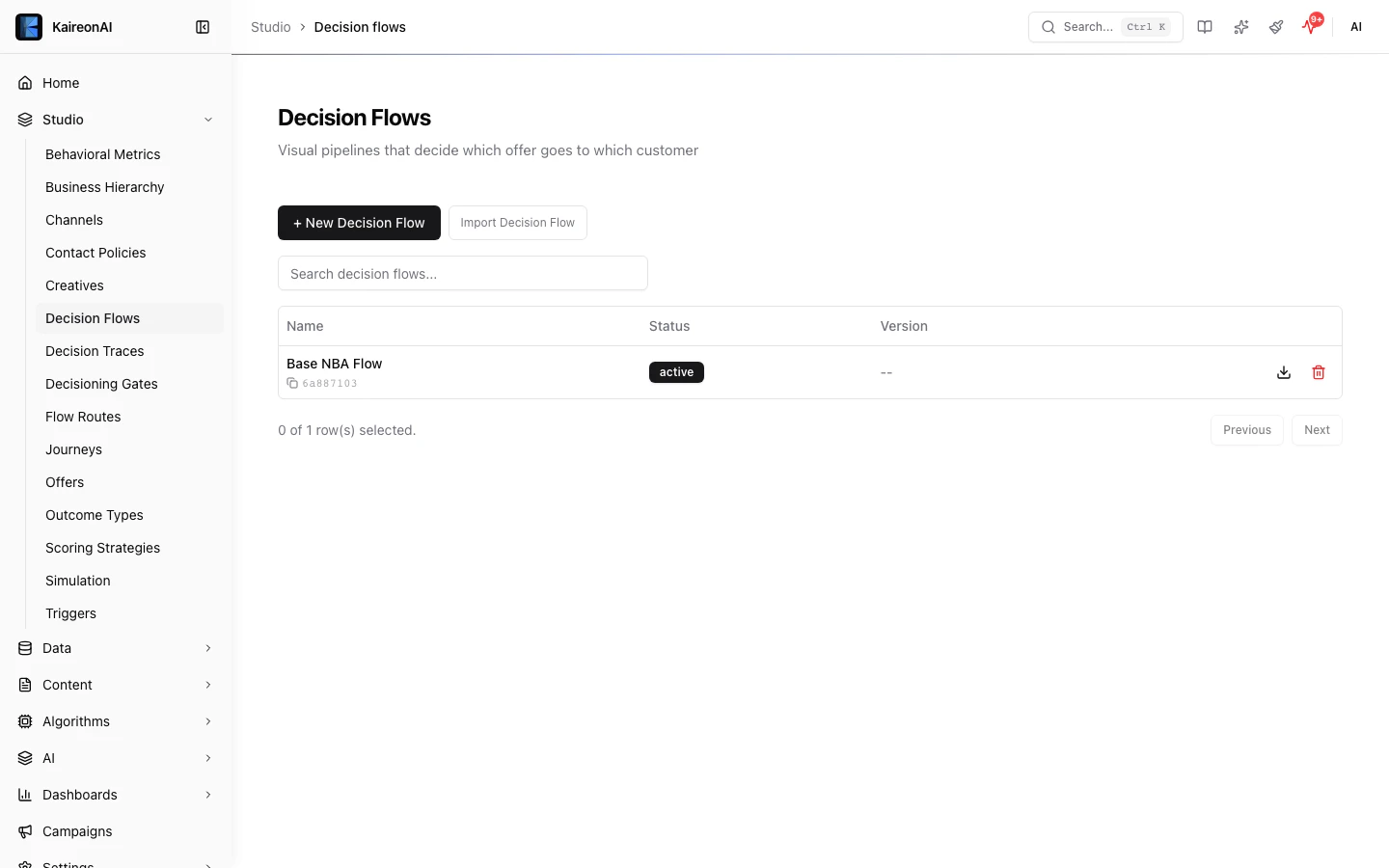
The Decision Flows page.
See the Decision Flows feature page and Composable Pipeline reference for UI guidance and architecture details.
Base path
List Decision Flows
Query parameters
If the tenant has zero Decision Flows, this endpoint lazily auto-creates a base flow and returns it, so the list is never empty for an active tenant.
Response 200
Get a single Decision Flow
404.
Path parameters
Response 200
Error codes
Roles
admin, editor, viewer.Create a Decision Flow
Request body
isDefault is not a settable request field on create — it is stripped by the validation schema. The first flow created in a tenant is automatically marked default; subsequent flows are created with isDefault: false.Example request
Response 201
Returns the created Decision Flow. The draftConfig is populated with the default stage configuration and publishedVersions starts as an empty array.
Error codes
Update a Decision Flow
draftConfig is provided, it is validated against the pipeline schema and goes through the pipeline validator for structural correctness.
Request body
Flow config v2 schema
ThedraftConfig must conform to the flow config v2 schema:
version: Must be2.nodes: Array of pipeline nodes (minimum 2). Each node hasid,type, andconfig.flowConfig: Optional flow-level configuration.
Pipeline node types
16 node types organized across 3 phases:Score node methods
The Score node uses the PRIE formula (Propensity x Relevance x Impact x Emphasis). Scoring methods include:priority_weighted— Uses offer priority and business valuepropensity— Uses a scoring model for the P factorformula— Custom formula-based scoring
Rank node methods
Compute node
SupportsformulaExtras for adding personalized computed values to the response. Each extra defines a key, formula, and outputType that are evaluated per candidate at decision time.
Example request
Response 200
Returns the updated Decision Flow. The rowVersion is incremented.
Error codes
Delete a Decision Flow
Query parameters
Response 200
cascaded field indicates how many related records (if any) were also soft-deleted.
This endpoint uses soft-delete — the record is not physically removed. It is excluded from GET results by default. To include soft-deleted records, pass
?includeDeleted=true on the GET request.Error codes
Publish a Decision Flow
draftConfig as a new published version. The flow status is set to active. A scoring method must be configured before publishing.
Request body
Example request
Response 200
Returns the updated Decision Flow with the new version appended to publishedVersions.
Four-eyes publish approval (opt-in)
When the tenant settingrequirePublishApproval is true, publish is gated:
the flow must have a fresh, approved ApprovalRequest
with entityType: "decisionFlow", action: "publish", and entityId equal to
the flow’s id. Because approval-stage walking already rejects self-approval and
duplicate approvers, an approved request implies two distinct identities.
One approval authorizes exactly one publish: the successful publish stamps
the approval’s approvalId onto the publishedVersions[] entry it creates, so a
second publish on the same approval is rejected as consumed. The next publish
needs a new approval.
The gate fails closed — if the tenant-settings lookup errors, publish is
blocked unless a valid approval already exists. The default
(requirePublishApproval: false) keeps one-click publish for existing tenants.
A blocked publish returns 422 and writes a publish_blocked audit entry:
reason is "no_approval" (no fresh approved request) or "consumed" (the most
recent approval was already used by a previous publish). The audit reason is
publish_approval_missing or publish_approval_consumed respectively.
Error codes
Role requirements
Optimistic concurrency
Decision Flows support optimistic concurrency control via therowVersion field. When updating a flow:
- Read the current
rowVersionfrom the GET response. - Include
rowVersionin your PUT request body. - If the server’s
rowVersiondoes not match, the update is rejected with409 Conflictand a message to refresh and retry. - On successful update, the
rowVersionis automatically incremented.
Soft-delete and audit
Decision Flows use soft-delete with audit snapshots. When a flow is deleted:- The
deletedAttimestamp is set (record is retained). - An audit snapshot is captured with the full state before deletion.
auditedUpdate, incrementing the rowVersion on each change. The first flow created in a tenant is automatically marked as the default (isDefault: true).
To include soft-deleted flows in GET responses, add ?includeDeleted=true to the query string.
Decision Flows
Learn more about building Decision Flows in the platform UI.